Trial 15 zile — verificare card 1 €. Configurare asistată inclusă.
Începe acum
🚀
Set up your account
Complete the setup checklist to get your business ready to sell in minutes.
- 1
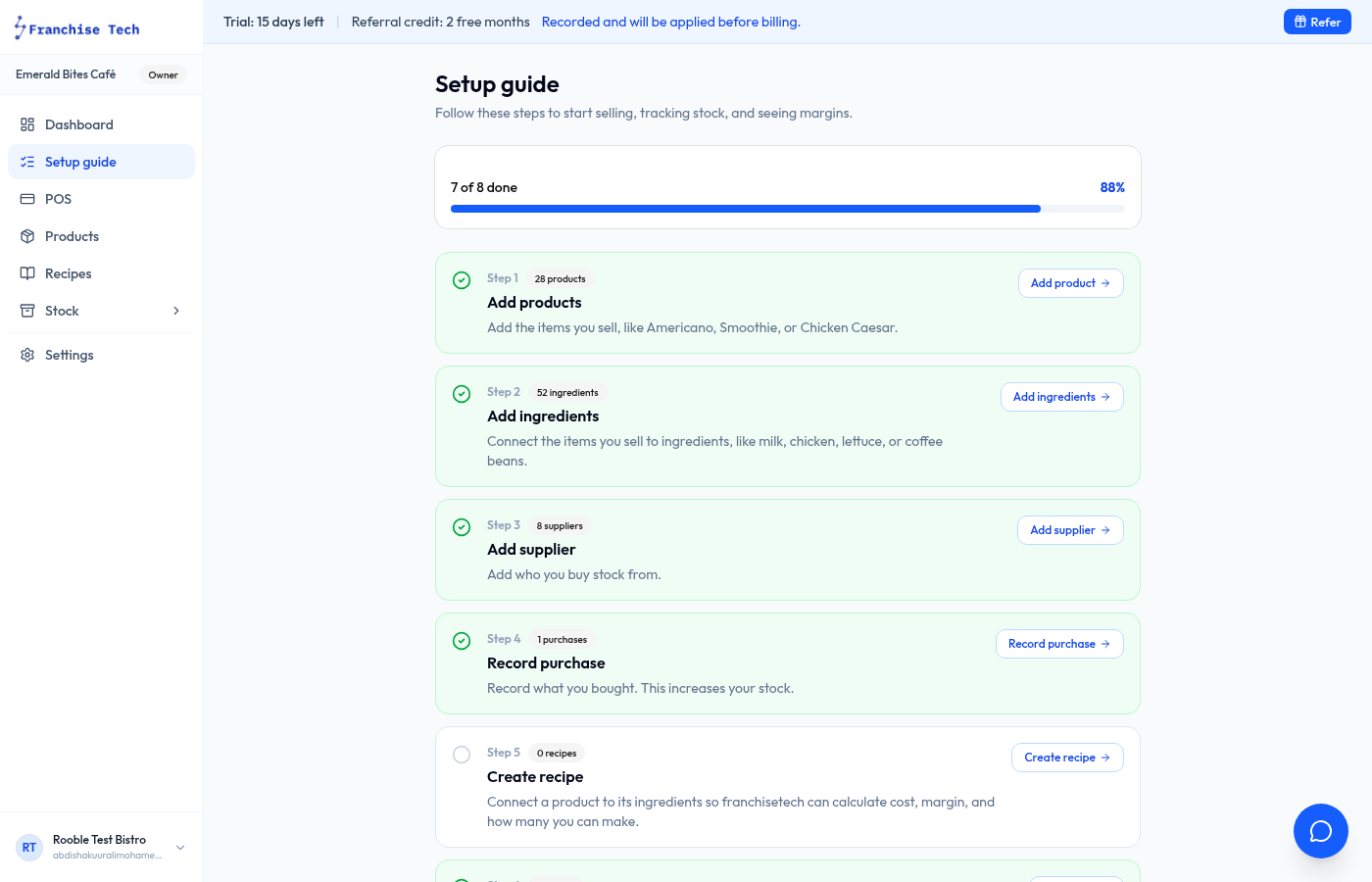
Open the Setup guide
After logging in, click Setup guide in the left sidebar. The checklist adapts to your business level: small shops see a POS-first path; restaurants also see stock and recipe steps when those modules are enabled.
- 2
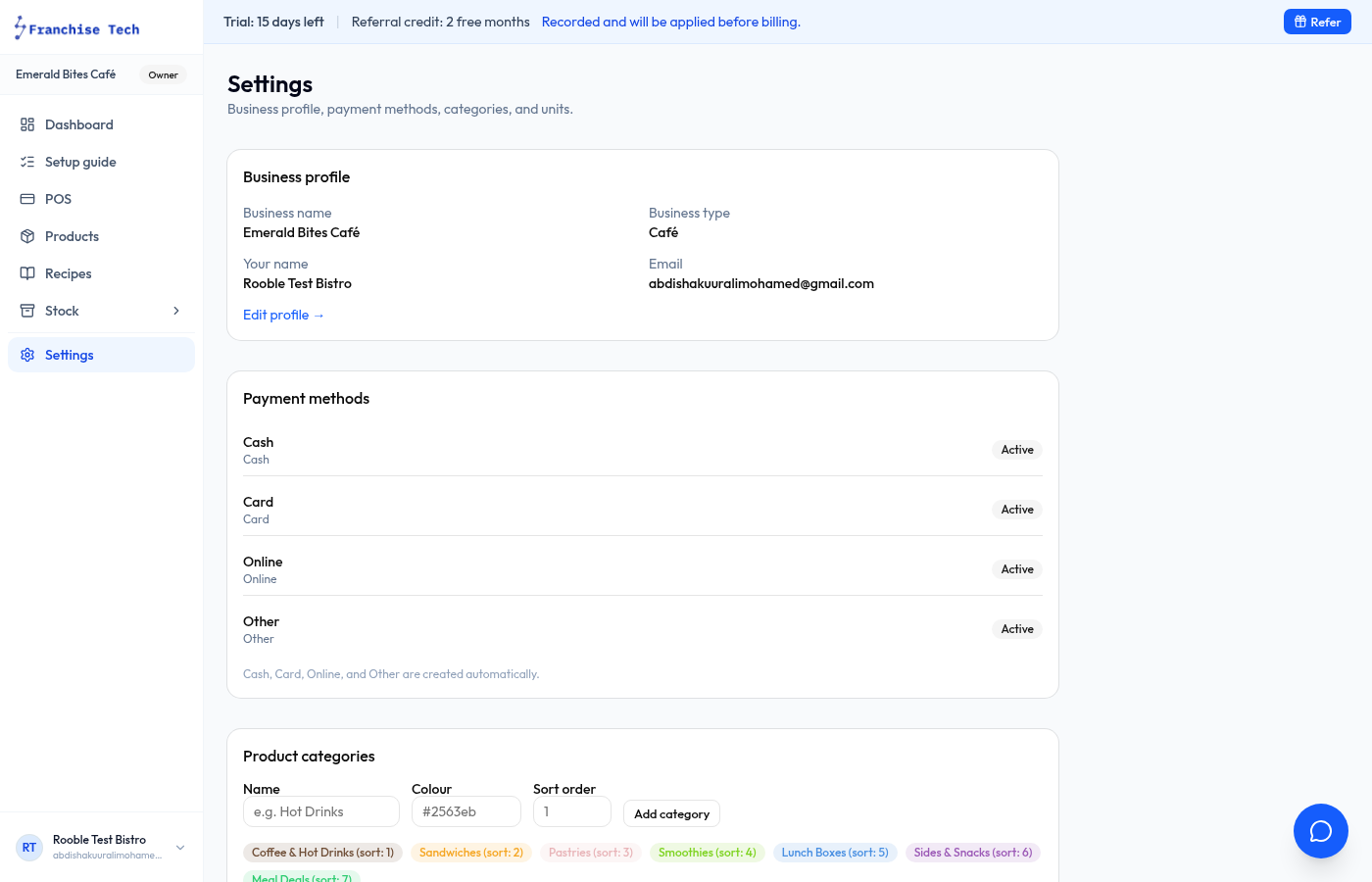
Add your business details
Enter your business name, currency, and timezone. These appear on reports and receipts.
- 3
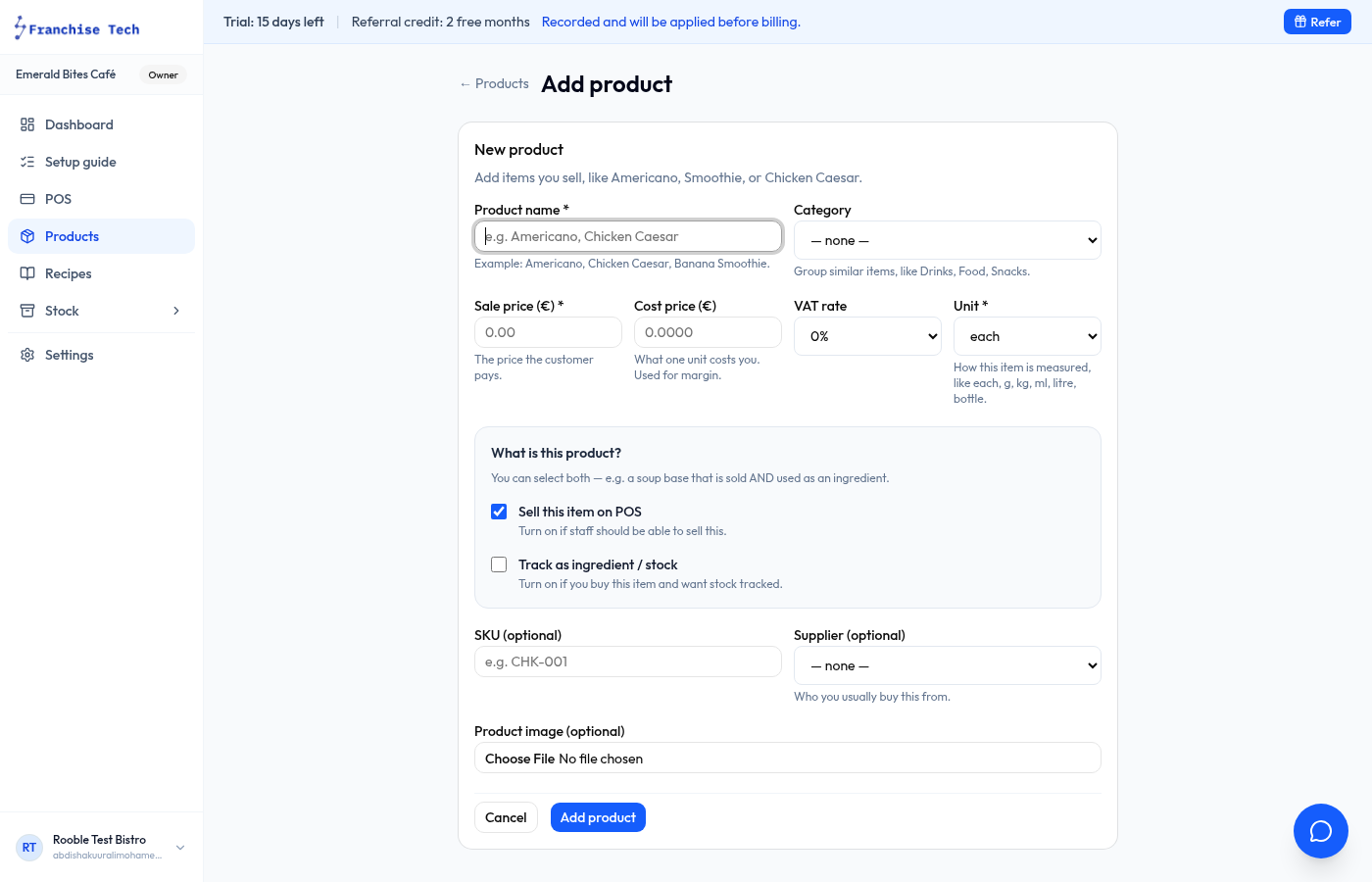
Add your first product
Go to Products → New product. Give it a name, set the selling price, and choose a category. Click Save.
- 4
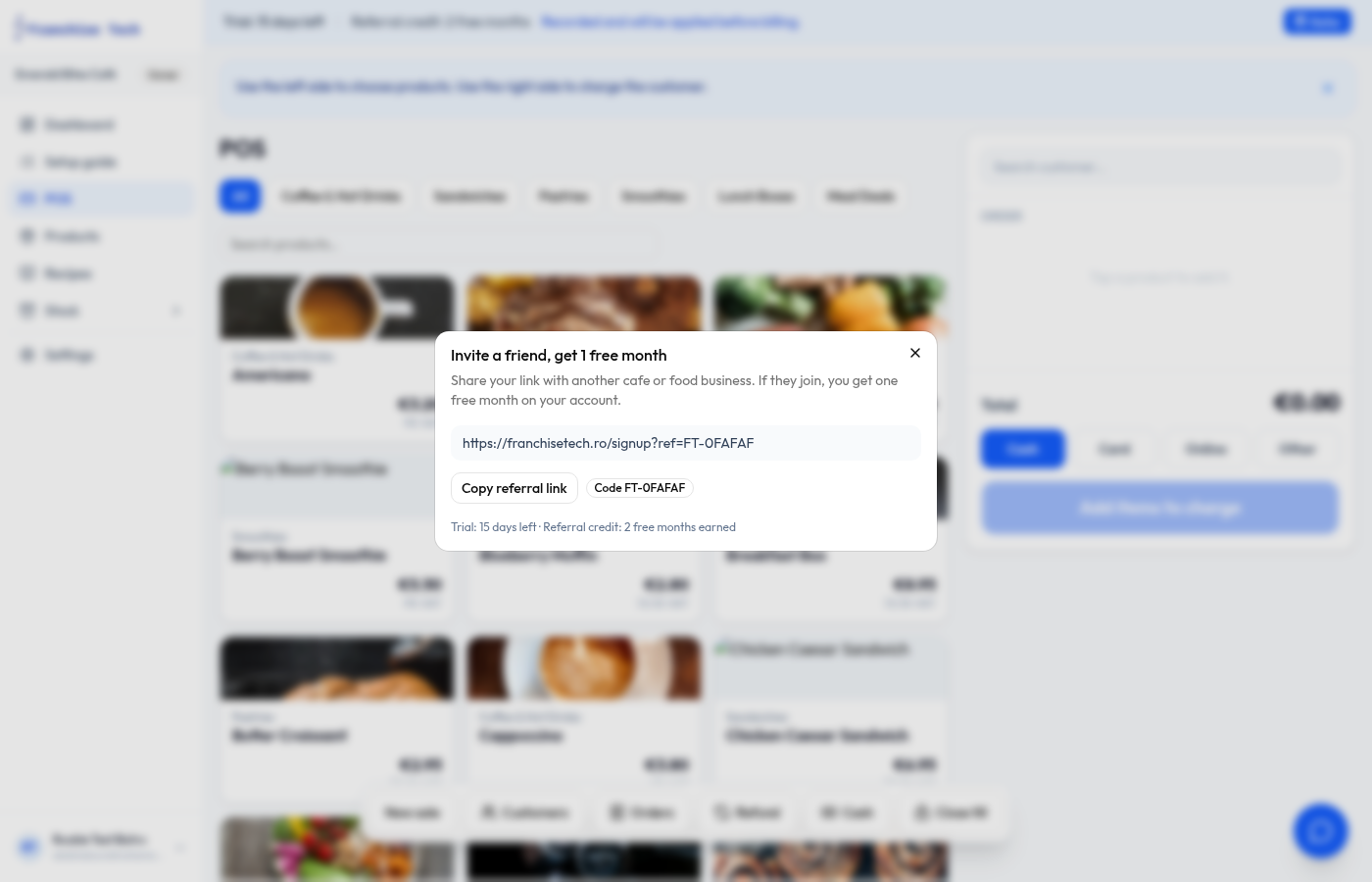
Open the POS and make a test sale
Click POS in the sidebar. Tap a product to add it to the cart, then press Charge. Your setup is complete.
You are all set!
Still stuck? Use the chat widget in the bottom-right corner — our team replies within one business day.