Trial 15 zile — verificare card 1 €. Configurare asistată inclusă.
Începe acum
⚙️
Manage your settings
Update your business name, invite team members, and manage your subscription.
Settings4 steps
- 1
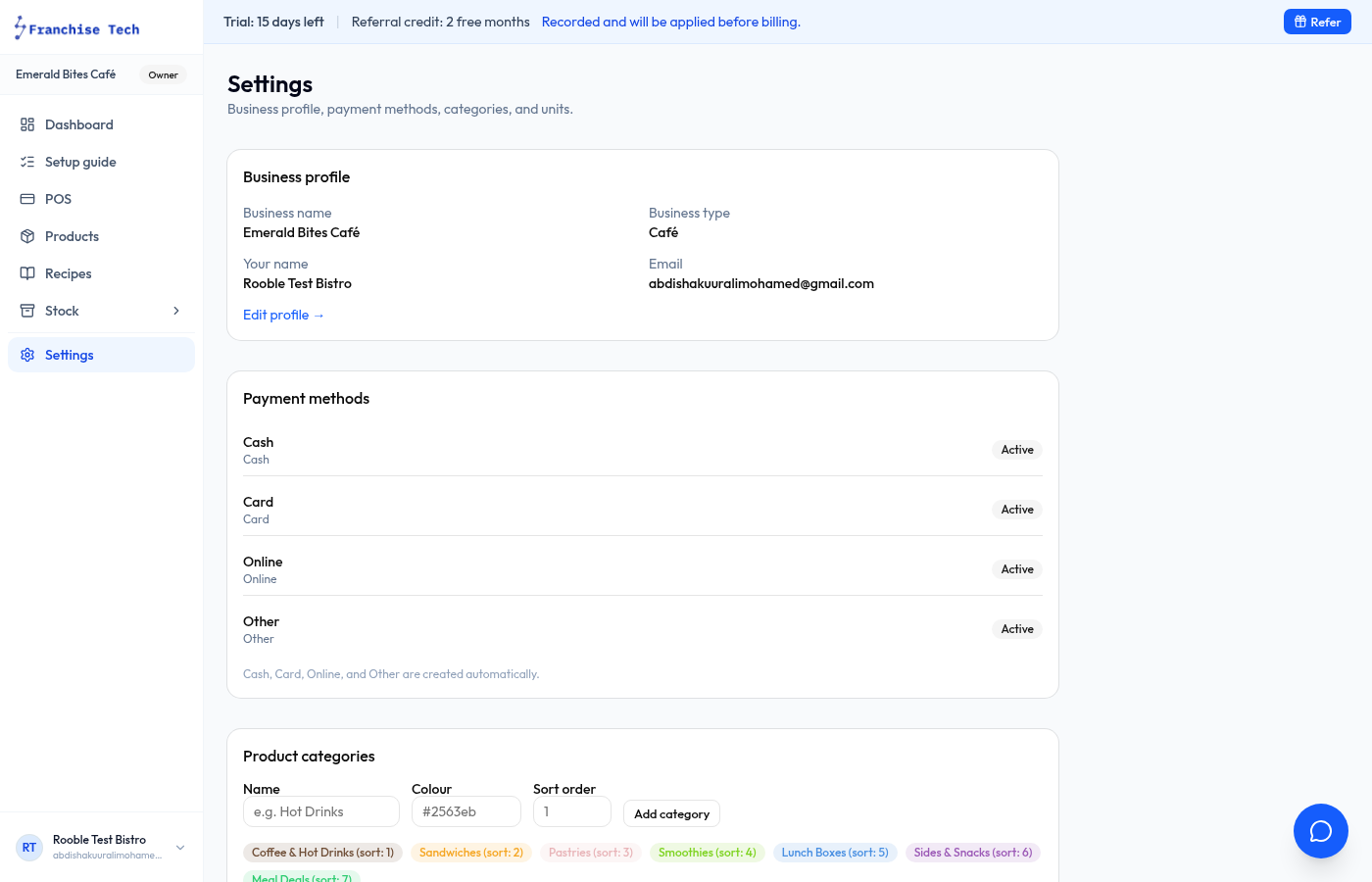
Open Settings
Click Settings at the bottom of the sidebar.
- 2
Update business details
Change your business name, contact email, or VAT number in the Business section. Press Save to apply.
- 3
Invite a team member
Go to the Team tab. Enter an email and assign the Staff role (POS only) or Manager role (full access).
- 4
Manage your subscription
The Billing tab shows your current plan, renewal date, and a link to update payment method or cancel.
You are all set!
Still stuck? Use the chat widget in the bottom-right corner — our team replies within one business day.